
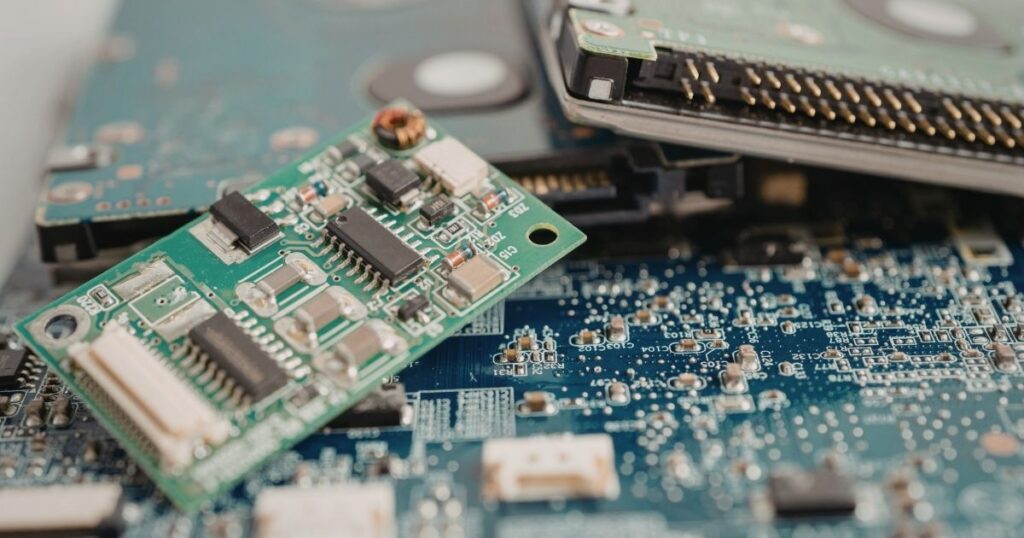
When assembling or upgrading high-performance PC hardware, proper thermal management configuration is vital to protect core components under load. While modern motherboards feature multiple 4-pin pulse-width modulation (PWM) cooling connections, developers and system builders frequently confuse the primary deployment rules for two critical headers: CPU_FAN and CPU_OPT.
Misconfiguring these connections can cause system boot failures, unoptimized fan curve pacing, or critical thermal throttling. This guide breaks down the structural differences, voltage management profiles, and installation best practices for motherboard fan arrays.
The Primary Anchor: CPU_FAN
The CPU_FAN header is the mandatory primary cooling connection on every consumer motherboard architecture. System firmware (BIOS/UEFI) monitors this header through an integrated safety interlock loop.
BIOS Safety Check Matrix
┌────────────────────────┐
│ CPU_FAN Reading Active │ ──► Boot Permitted (Safe Status)
└────────────────────────┘
┌────────────────────────┐
│ CPU_FAN Reading 0 RPM  │ ──► Boot Halted: "CPU Fan Error" (Safety Lock)
└────────────────────────┘
If the hardware monitor registers 0 RPM on this specific channel during system startup, the motherboard will halt the sequence and throw a “CPU Fan Error” notification. This behavior is designed to prevent the central processing unit from executing instructions without active thermal cooling, protecting the silicon core from catastrophic heat death.
The Secondary Expansion: CPU_OPT
The CPU_OPT (CPU Optional) header is a secondary connection that runs on the same control bus loop as the primary CPU_FAN header. It is designed to scale directly alongside your processor’s real-time thermal spikes.
Key architectural behaviors of CPU_OPT include:
- Shared Pacing: The motherboard automatically mirrors the exact duty-cycle voltage curve assigned to CPU_FAN down to the CPU_OPT link. You cannot change the velocity curve of CPU_OPT independently.
- No Safety Interlock: Unlike the primary header, the BIOS does not monitor CPU_OPT for active RPM signatures during startup. If a fan connected here fails or runs at 0 RPM, the system will still permit a complete boot sequence.
- Liquid Cooling Integration: CPU_OPT is ideal for dual-fan air cooling configurations or for connecting the secondary radiator fans of an All-In-One (AIO) liquid cooling loop.
Hardware Deployment Best Practices
To maximize systemic cooling efficiency and ensure stable power draw across internal copper traces, system builders should configure their hardware connections using this operational hierarchy:
| Cooling Hardware Component | Primary Target Header | Alternative Header Configuration |
| Standard Single-Fan Air Tower | CPU_FAN | Leave CPU_OPT unpopulated |
| Dual-Fan Air Cooler Tower | Master Fan to CPU_FAN | Slave Fan to CPU_OPT |
| AIO Liquid Cooler Array | Dedicated AIO_PUMP or W_PUMP | Radiator Fans split to CPU_FAN and CPU_OPT |
Never attempt to bridge multiple high-draw industrial fans onto a single connection using unpowered splitters, as most basic motherboard cooling headers are strictly capped at a 1.0 Amp power limit. Exceeding this threshold risks burning out the header’s localized capacitors.
Bridging Hardware Integration with Enterprise Security
Maintaining complete physical visibility over hardware terminal inputs matches the exact logical processes required when managing enterprise system firmware updates or securing the Windows print spooler. Ensuring your hardware configurations are properly monitored prevents unexpected physical instability, giving infrastructure teams a clean, reliable baseline to deploy high-stakes virtualized instances and cloud frameworks.
FAQ
Can I plug a 3-pin cooling fan into a 4-pin CPU_OPT header?
Yes. The physical header is keyed to allow 3-pin fan connectors to slide into place smoothly. However, because the fourth pin is responsible for sending explicit PWM digital adjustment pulses, a 3-pin fan will default to running continuously at 100% maximum voltage speed unless your BIOS supports switching the header mode to DC voltage regulation.
My motherboard has an AIO_PUMP header. Do I still use CPU_OPT?
No. If your hardware features a dedicated AIO_PUMP or W_PUMP Line, attach your liquid cooling pump lead directly to that connection. These pump-specific connections are engineered to deliver a continuous, unthrottled 100% current stream (often up over 2.0 to 3.0 Amps) to keep the liquid pump motor moving smoothly, freeing up your CPU_FAN array to handle the parsing of radiator fans.